⛏️ Minecraft Split Screen: PS5, Switch, Xbox or PC?
Published · list data as of
Short answer: Minecraft has split-screen on consoles, not on PC. In the Bedrock Edition, up to four players can share one PlayStation, Xbox or Nintendo Switch, each with their own controller. The PC editions — Java and Bedrock — offer no split-screen. Everything here comes from Mojang’s official help pages, linked below.
How to start: launch your world as player one, switch on a second controller, pick the console profile for player two and press the button shown on screen. Repeat for players three and four. The host must be signed in to a Microsoft account (Mojang: split-screen).
The detail most guides leave out: normally every player needs an online subscription — PlayStation Plus, Xbox Game Pass Core or Nintendo Switch Online. Not if you switch off “Multiplayer Game” in your world settings (Edit → Multiplayer). Then split-screen runs without any subscription. On Switch, the console must be docked and connected to a TV or monitor; in handheld mode split-screen does not work (Mojang: requirements).
On PC there is no official split-screen; the community mods that add one are not supported by Mojang. The alternative is playing over the local network, each at their own computer. If you want to build and survive together on one screen beyond Minecraft, the list below shows the related games in our co-op compendium — with verified player counts.
| Platform | Split-screen |
|---|---|
| PlayStation 4 / 5 | Yes, up to 4 players |
| Xbox One / Series X|S | Yes, up to 4 players |
| Nintendo Switch | Yes, up to 4 (2 recommended), docked only |
| PC (Java & Bedrock) | No |
| Phone / tablet | No |
Source: Minecraft Help Center (Mojang), articles on Bedrock Edition split-screen and its requirements, checked on 30 September 2026. Mojang lists split-screen for consoles only; Switch 2 is not mentioned separately.
- 1
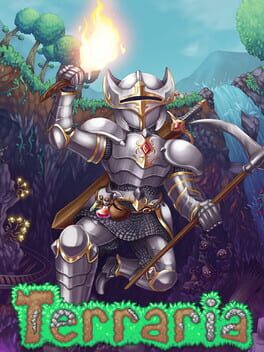
Terraria2011
82 / 100PlatformRole-playing (RPG)SimulatorMinecraft’s closest relative in 2D: dig, build, fight bosses — locally for up to four.
- 2
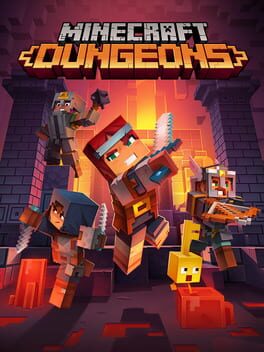
Minecraft Dungeons2020
71 / 100Role-playing (RPG)Hack and slash/Beat 'em upAdventureThe Minecraft world as a dungeon crawler, for up to four on one screen.
- 3
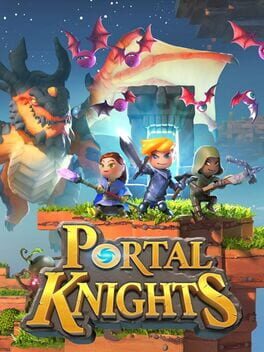
Portal Knights2017
71 / 100Role-playing (RPG)AdventureIndieBlock-built islands, crafting and role-playing — for two locally.
- 4
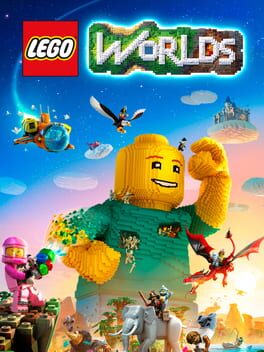
LEGO Worlds2017
71 / 100PuzzleAdventureBuild anything out of LEGO bricks, together on one console.
Frequently asked questions
Does Minecraft have split screen on PS5?
Yes. On PlayStation 4 and 5, up to four players can play Minecraft Bedrock in split-screen, each with their own controller.
Does Minecraft have split screen on Switch?
Yes, for up to four players, with two recommended. The Switch must be docked and connected to a TV or monitor; each Joy-Con counts as one controller.
Does Minecraft have split screen on PC?
No. Neither Java nor Bedrock Edition on PC offers official split-screen. Community mods exist but are not supported by Mojang; the official way to play together is over the local network.
Do you need an online subscription for Minecraft split screen?
Not if you turn off “Multiplayer Game” in your world settings. With it switched on, every player needs PlayStation Plus, Xbox Game Pass Core or Nintendo Switch Online.
Can you play Minecraft with two people on one account?
The host needs a Microsoft account. On PlayStation and Switch, guests cannot sign in to a Microsoft account — they play with the console profile. On Xbox, guests can sign in with their own.